Getting Started as a Vendor
13.1 Accepting your invitation
An organization invites vendors by email. Open the invitation link to reach the Accept Invitation page, where your invitation token is detected automatically.
- First Name and Last Name: enter your name.
- Username: choose a portal username.
- Password: set a password of at least 8 characters.
- Activate Account: click to activate. You are shown a confirmation and can then sign in.
13.2 Signing in
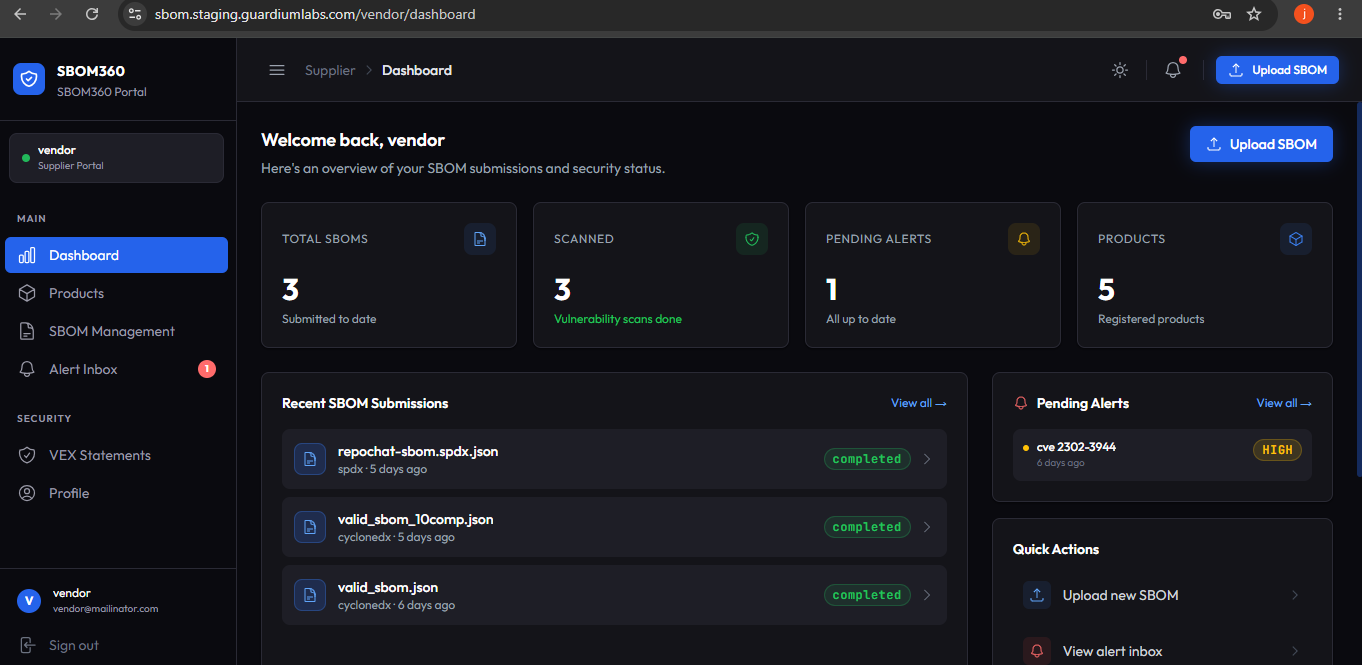
Return to the platform's sign-in page and enter your username or email and password. You are taken to your Vendor Dashboard.
13.3 The vendor portal layout
The vendor sidebar has five items: Dashboard, Products, SBOM Management, Alert Inbox, VEX Statements, and Profile. A red badge on Alert Inbox shows how many alerts are unread.